Manual printing
Leave automatic printing off and send prepared jobs manually. Use this mode to check the layout, paper and driver settings before the event.


The photographer saves images to one folder. PrintStation picks up new files, applies your PhotoBaker layout and prepares print jobs. You control when they reach the printer.
PrintStation for Windows. One file means one print. Computer, printer and consumables are supplied separately.
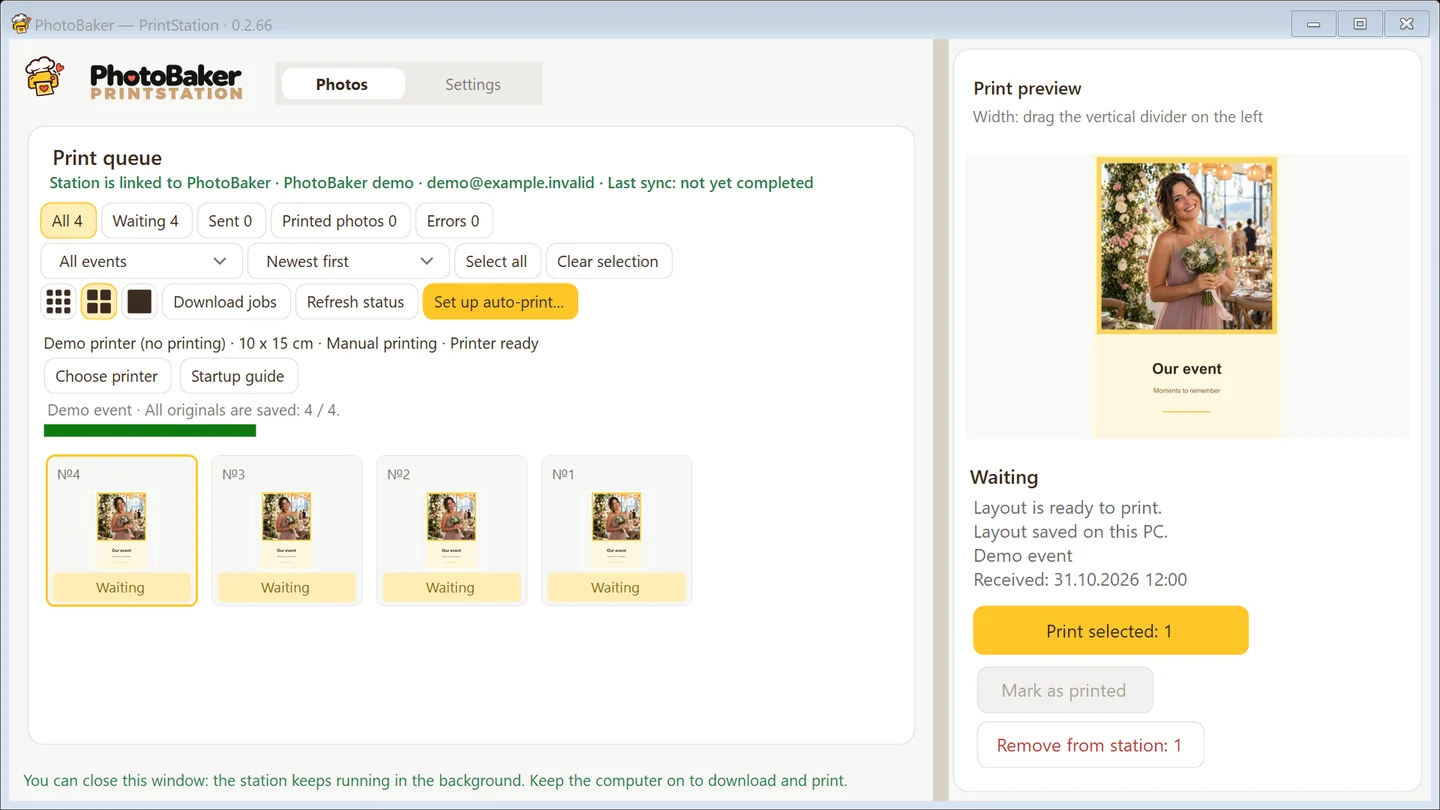
Install the Windows app and connect it to your dashboard. Select a physical printer and paper size, then check a paper test print.
Select one folder receiving the photos. Use the event layout from your dashboard or configure a separate layout for this folder. Folder and layout settings are saved between launches.
Folder watching adds new files to the queue. Import existing files separately. Automatic printing is enabled separately: check the queue and layout before turning it on.
Leave automatic printing off and send prepared jobs manually. Use this mode to check the layout, paper and driver settings before the event.
After checking a test print, enable general automatic printing in PrintStation. Folder watching and sending jobs automatically are separate controls. An operator monitors paper, supplies and printer errors.
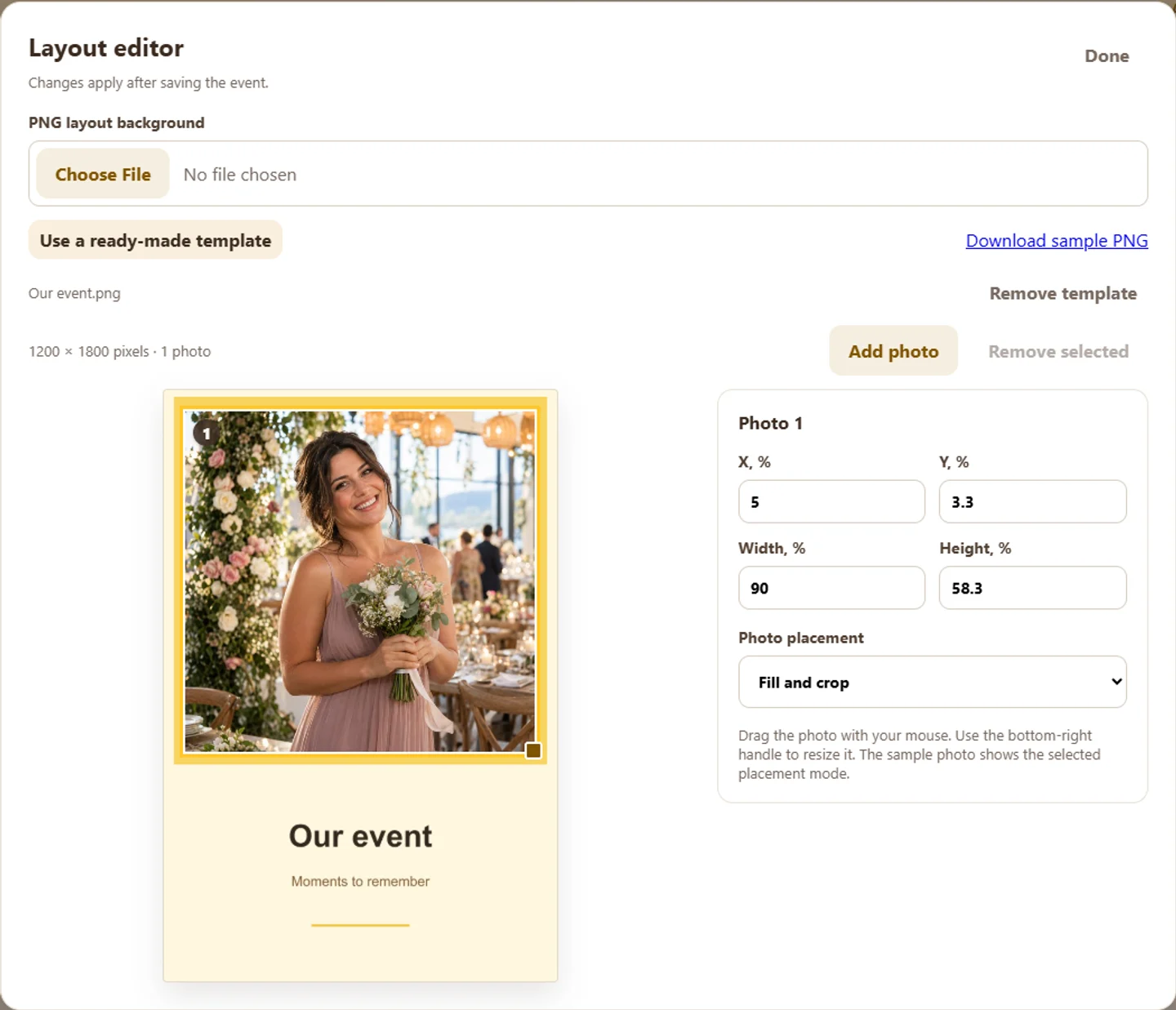

Example rendered image. Check physical output separately on your printer.
Check the whole workflow with a test photo before guests arrive.
The folder stores a snapshot of the event layout when you save its PrintStation settings. After editing the layout in the dashboard, save the folder settings with the event layout again and check a new test print.
JPG, PNG and HEIC/HEIF up to 10 MB per file. Save finished photos to the selected folder. Originals stay unchanged.
No. Folder printing uses one file per print. Multi-frame layouts with different folder photos are not supported. For a set of 2–4 photos from one guest, use QR uploads.
Yes. Internet access is required for entitlement checks and preparing branded output. Do not rely on offline operation.
Folder watching processes new photos. Import files already in the folder using the separate action for existing files.
Install its Windows driver, select the printer in PrintStation and test the intended paper size on real paper. Compatibility with every printer model is not guaranteed.
Free with a watermark. Monthly access without it: RUB 1,990 per month. Renew manually or opt in to monthly automatic renewal when paying. Disable renewal in the dashboard. Equipment and consumables are supplied separately.
Create an account, set up your layout and check the result on your printer.